
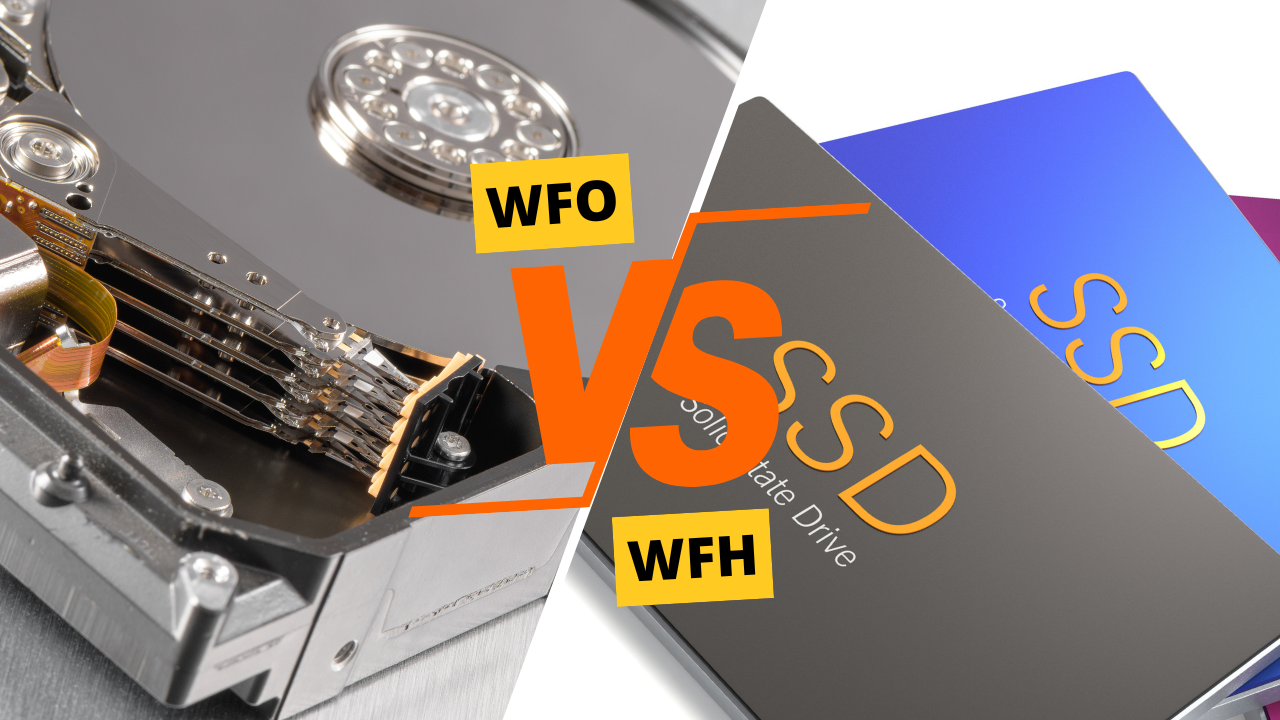
Choosing between a Solid State Disk (SSD) and a Hard Disk Drive (HDD) is one of the most important decisions when buying or upgrading a computer. Both storage types have their own advantages, disadvantages, and ideal use cases. In this detailed comparison, we’ll break down everything you need to know to decide which is better: SSD or HDD.
What Is a Hard Disk Drive (HDD)?
A Hard Disk Drive (HDD) is a traditional storage device that uses spinning magnetic platters and a mechanical arm to read and write data. HDDs have been used for decades and are still common in budget laptops, desktops, and external storage.
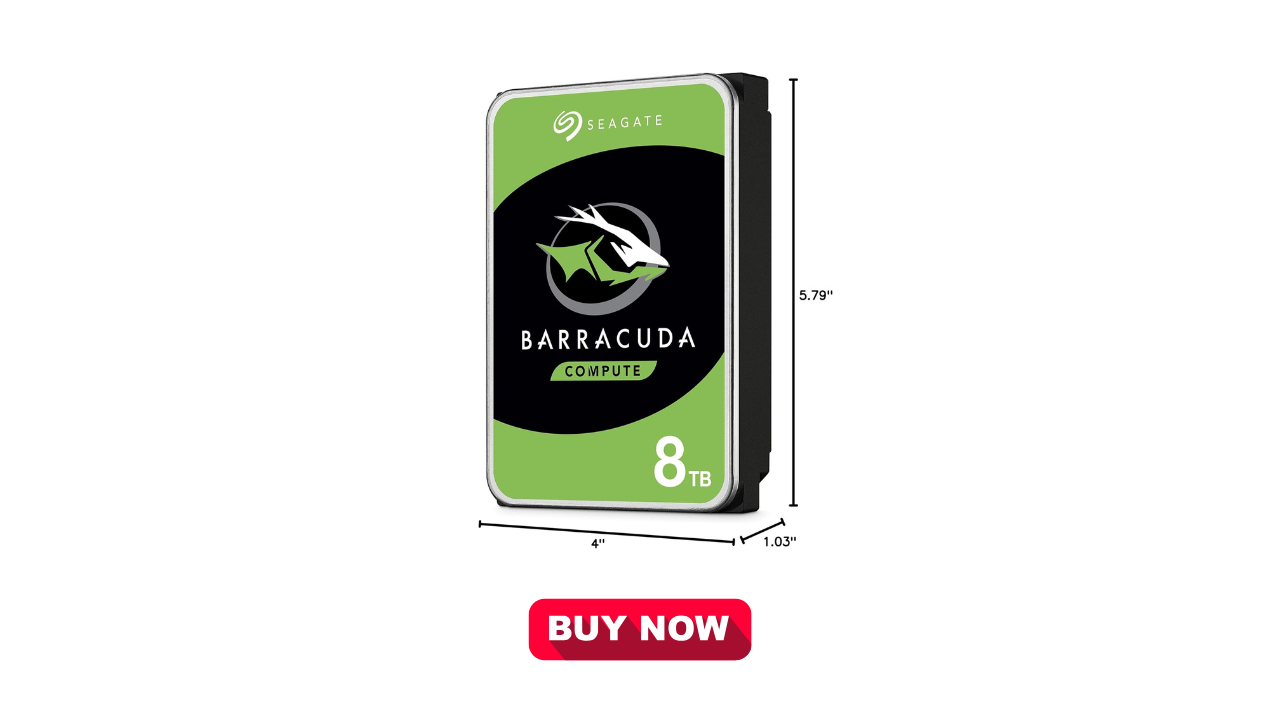
Key Features of HDDs
- Uses moving mechanical parts
- Available in large storage capacities (1TB–20TB+)
- Lower cost per gigabyte
- Slower read/write speeds
What Is a Solid State Disk (SSD)?
A Solid State Disk (SSD) stores data on flash memory chips, similar to a USB drive but much faster and more reliable. SSDs have no moving parts, which makes them significantly faster and more durable than HDDs.
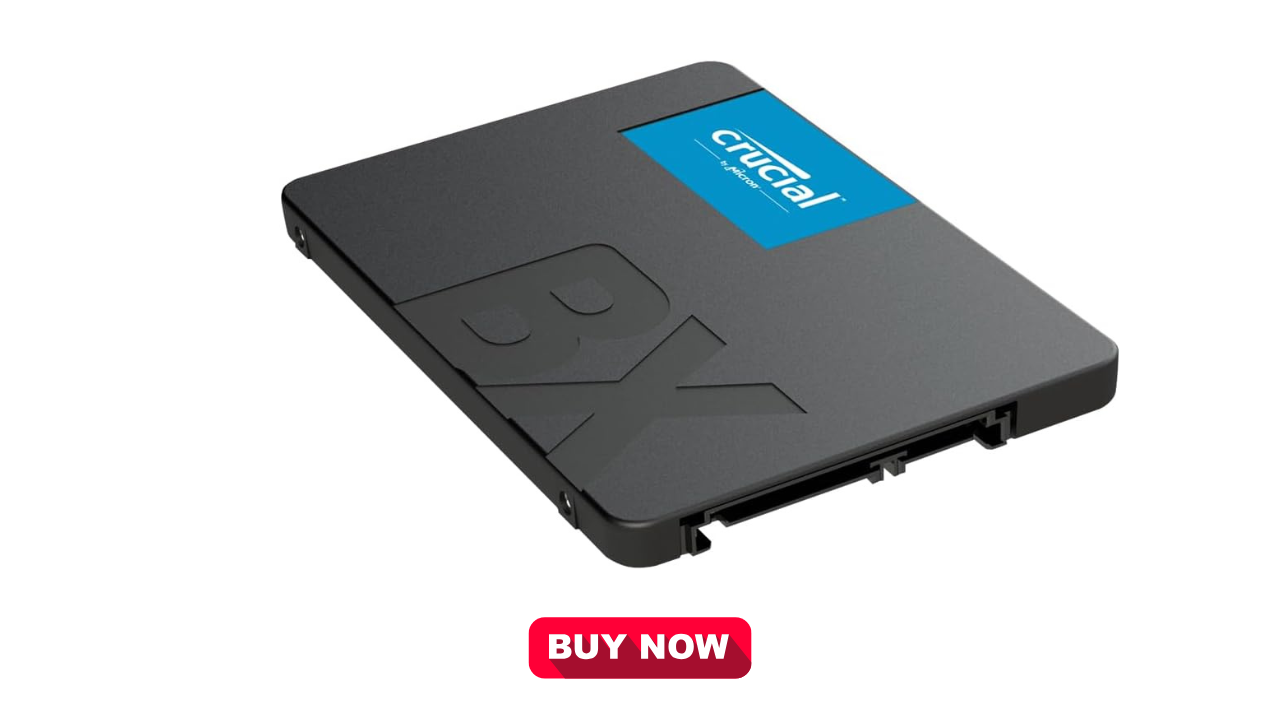
Key Features of SSDs
- No moving parts
- Extremely fast read/write speeds
- Lower power consumption
- Silent operation
SSD vs HDD: Key Differences at a Glance
| Feature | SSD | HDD |
|---|---|---|
| Speed | Very fast | Slow to moderate |
| Durability | High | Lower (mechanical parts) |
| Noise | Silent | Audible spinning noise |
| Power Consumption | Low | Higher |
| Price | Higher per GB | Cheaper per GB |
| Boot Time | Seconds | Minutes |
Performance Comparison: SSD vs HDD
When it comes to performance, SSDs clearly outperform HDDs.
- Boot Time: SSDs can boot an operating system in 5–15 seconds, while HDDs may take over a minute.
- File Transfer: Large files transfer much faster on SSDs.
- Multitasking: SSDs handle multiple applications smoothly with minimal lag.
If speed matters to you, an SSD is the clear winner.
Storage Capacity: Which One Offers More?
HDDs still dominate in terms of maximum storage capacity at an affordable price. If you need massive storage for:
- Videos
- Photos
- Backups
- Archives
Then HDDs are more cost-effective. SSDs are commonly available from 256GB to 4TB, while HDDs easily reach 10TB or more.
Durability and Reliability
Because SSDs have no moving parts, they are:
- More resistant to drops and shocks
- Less prone to mechanical failure
HDDs, on the other hand, can fail if dropped or shaken while running. For laptops and portable devices, SSDs are far more reliable.
Price Comparison: SSD vs HDD
- HDDs are cheaper and offer more storage for less money.
- SSDs cost more per gigabyte but prices are steadily decreasing.
If you’re on a tight budget and need lots of storage, HDDs still make sense. But for long-term value and performance, SSDs are worth the investment.
Power Efficiency and Battery Life
SSDs consume less power than HDDs, which leads to:
- Better battery life in laptops
- Less heat generation
This makes SSDs ideal for ultrabooks, laptops, and energy-efficient systems.
Best Use Cases for SSDs
Choose an SSD if you:
- Want fast boot and load times
- Use your PC for gaming or professional work
- Prefer durability and silent operation
- Use a laptop or portable device
Best Use Cases for HDDs
Choose an HDD if you:
- Need large storage at low cost
- Store media files, backups, or archives
- Use a desktop with secondary storage
Hybrid Option: SSD + HDD
Many users choose a hybrid setup:
- SSD for operating system and software
- HDD for files and storage
This provides the best balance of speed and capacity.
SSD vs HDD: Which Is Better?
The answer depends on your needs.
- For speed, durability, and modern performance → SSD is better
- For affordable large storage → HDD is better
In 2026 and beyond, SSDs are becoming the standard choice for most users, while HDDs remain useful for bulk storage.
Final Verdict
If you can afford it, go with an SSD as your primary drive. You’ll notice a massive improvement in performance, reliability, and overall user experience. For additional storage, pairing it with an HDD is still a smart and economical solution.